
Pool service scheduling software, not a shared calendar.
Pool service scheduling software should do more than drop stops on a calendar. PoolPuma turns recurring weekly schedules into daily work: set how often each pool gets serviced, anchor it to a route and a service day, and let the app build each day's runs the moment you open it. No spreadsheet to re-key every week.
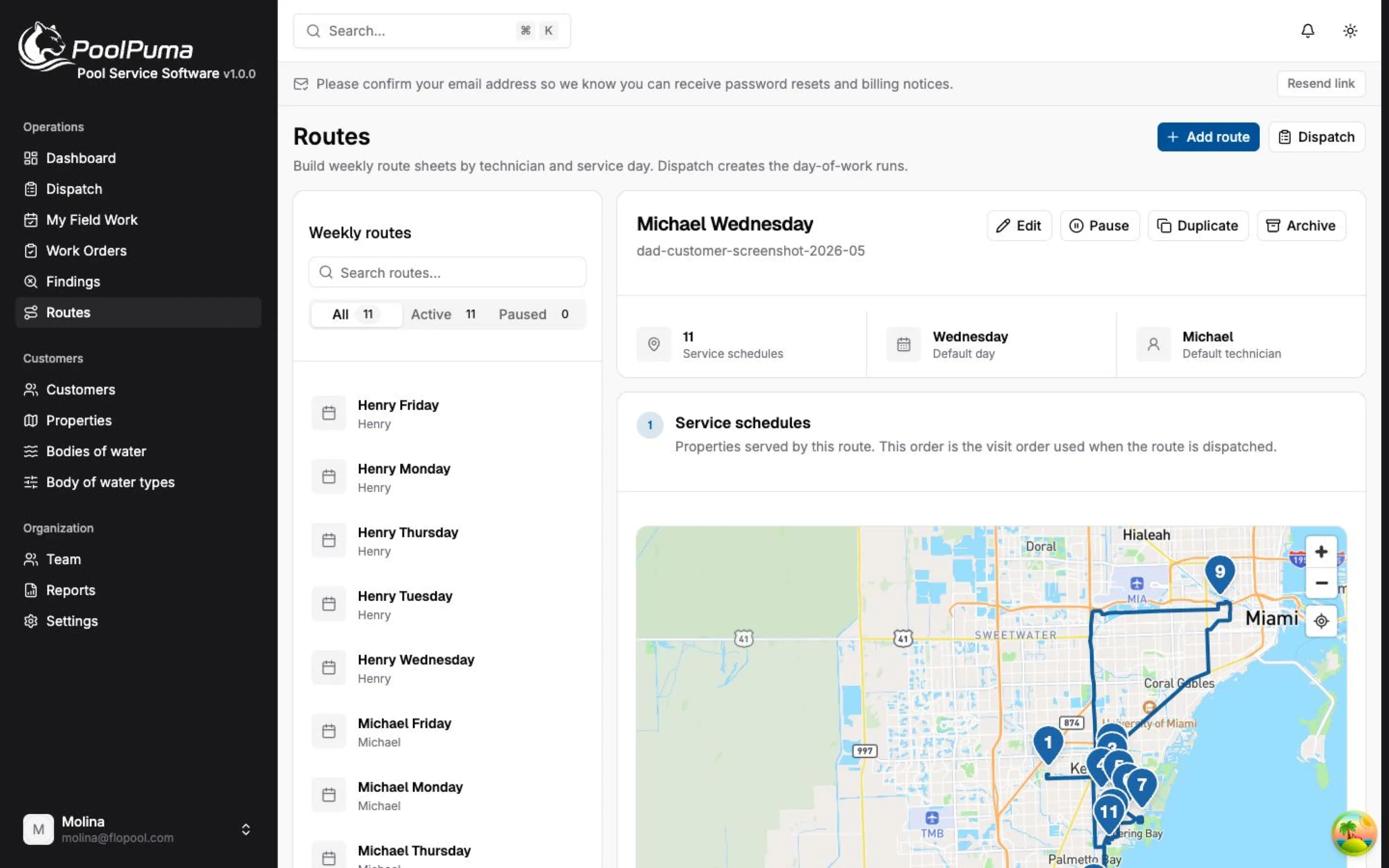
Built around how the day actually runs
Set how often, then stop re-entering it
A service schedule states the cadence for a pool: weekly, every two weeks, every four weeks, or a one-time visit. Anchor it to a weekday or a date, connect it to the route that covers it, and the recurrence takes care of itself.
- Weekly, biweekly, every four weeks, or one time
- Anchored to a service day or a specific date
- Connected to the route responsible for the work
Schedule a whole property or a single pool
Point a schedule at an entire property, so every body of water there gets serviced together, or at one specific pool when only it needs a different cadence. Both live in the same place.
Pause a schedule without deleting it
A snowbird closes the house for the season or a pool goes offline for a remodel. Pause the schedule for a date range or give it a start and end date, and it comes back on its own without rebuilding anything.
The day builds itself when you open it
PoolPuma does not pre-generate weeks of empty work. The first time someone opens or dispatches a date, it materializes that day's runs from every schedule due. Open the same day again and you get no duplicates.
Where scheduling ends and dispatch begins
Scheduling is the plan: this pool, this route, this often. Dispatch is the day: the live run a tech works from and the office watches. Keeping them separate means a schedule change never rewrites what a tech already did.
See how the rest of PoolPuma connects
Answers before you sign up
What is pool service scheduling software?
It helps a pool company set how often each pool gets serviced, tie that cadence to a route and a day, and turn the recurring plan into daily work without rebuilding a spreadsheet each week.
How is scheduling different from dispatch?
Scheduling defines the recurring plan. Dispatch turns that plan into today's live run, assigns it, and tracks completed and skipped stops. A schedule change affects future weeks; a dispatched day keeps its own record.
Can I skip one visit without changing the schedule?
Yes. You can skip, move, or reassign a single day's occurrence and the recurring schedule everyone else relies on stays exactly as it was.
Can PoolPuma replace a route spreadsheet?
Yes. Weekly schedules, daily runs, assigned work, skip reasons, and service history replace the spreadsheet and give you live progress the spreadsheet never could.
Turn the schedule into visible daily work.
Set the cadence once, dispatch the day, and see what happened without chasing paper, spreadsheets, or texts.
Get startedFlat monthly pricing by pool count. Onboarding call included.